Class Check-In for Instructors in Mana
A short guide on how to check-in users in Mana as an instructor
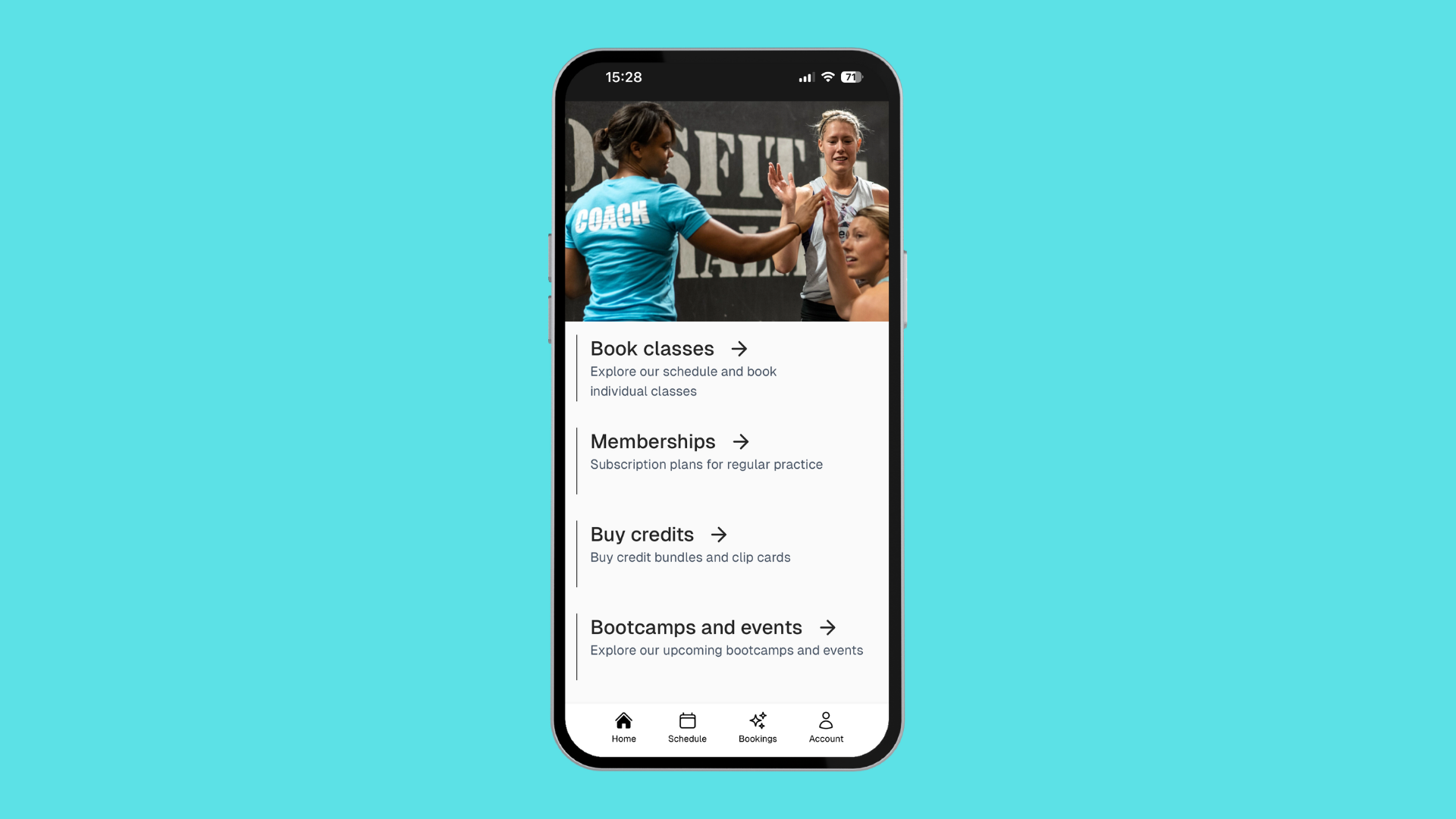
Instructors can easily keep track of who’s attending classes, how many sessions a member has done, and check people in — all from their phone. This guide walks through how to do that using the Mana app (but it’s exactly the same on a computer too).
Step 1: Open the Mana App for Your Studio
Before anything else, make sure the instructor has been:
- Added as a user at your studio
- Assigned the role "Staff" under their user profile
We begin by opening the studios app, however if the instructor has not installed the app yet the class overview function can also be accessed using any browser. In that case:
- Go to your studio’s Mana site: http://getmana.app/s/[studio-name]
- (replace
[studio-name]with your studio’s URL slug)
✅ Example: For CrossFit Södermalm, the link would be http://getmana.app/s/crossfitsodermalm
Step 2: Go to the Admin Console
- From the home screen of the app, tap "Account" (bottom right corner)
- Tap your profile picture or initials in the top right corner
- Select "Admin Console"
Step 3: Open the Class Overview
- Tap the menu icon (three lines in the top right corner)
- Select "Class Overview"
You’ll now see a list of upcoming classes.
💡 Bonus Tip: Use the dropdown at the top to quickly switch between upcoming classes!
Step 4: Check Participants In
- Select the class you want to manage
- You'll see the participant list
- Scroll sideways on the list to reveal the "Check in" button for each member
✅ Important note: On most phones, the check-in button is hidden until you scroll horizontally across the participant list.
Once checked in, you'll also see how many total classes each member has attended — handy for tracking progress or commitment!
Bonus: Viewing Future Class Attendance
Want to see attendance for a class far in the future?
- Instead of using Class Overview, go to "Schedule" in the admin menu
- Navigate to the class you’re interested in and check attendance details there
That’s It!
Now instructors can easily manage class attendance right from their phone or computer. It's quick, clear, and gives you all the info you need about your members in one place.
Whether you're tracking who's showing up or making sure people get credit for sessions, you've got the tools you need — right in your pocket 💪
Need Help?
Questions? I’m happy to help! Just reach out.
Author: Karl Gullö Karl@getmana.app
Last updated December 1, 2025